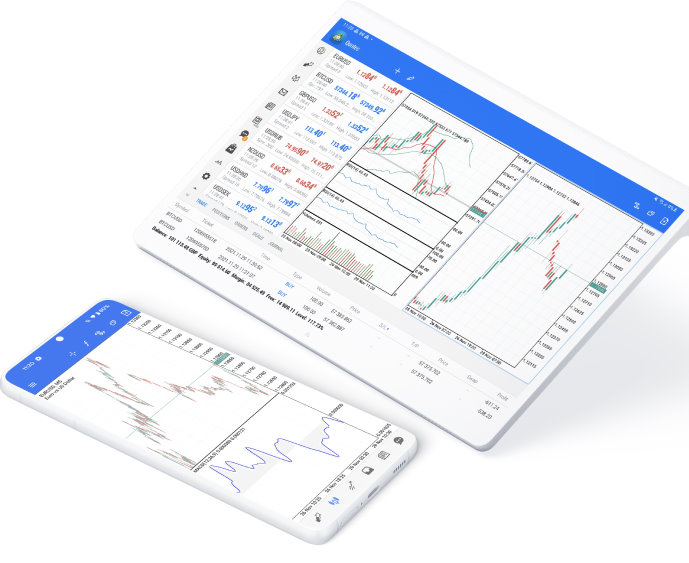
MetaTrader 5 for Desktop
Download MetaTrader 5 and start trading Forex, Stocks and Futures! Rich trading functionality, technical and fundamental market analysis, copy trading and automated trading are all exciting features that you can access for free right now!

MetaTrader 5 offers a wide variety of functions for the modern forex and exchange market trader:
- Full set of trading orders for flexible Forex, Stocks and other securities trading
- Two position accounting systems: netting and hedging
- Unlimited amount of charts with 21 timeframes and one-minute history of quotes;
- Technical analysis with over 80 built-in technical indicators and analytical tools
- Fundamental analysis based on financial news and economic calendar
- The largest store of ready-to-use trading applications at MetaTrader Market
- Powerful algorithmic trading with the built-in MQL5 development environment
- Trading Signals allowing you to automatically copy deals of experienced traders
- A system of alerts to keep track of all important market events
- Built-in Forex VPS
Use all the advanced trading and analysis tools while trading Forex, Stocks and Futures!
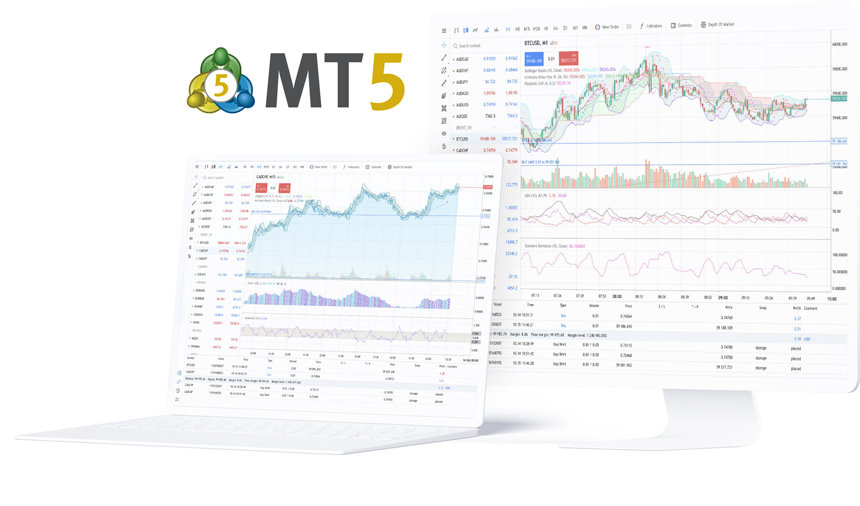
MetaTrader 5 Web Trading
Launch the MetaTrader 5 web platform right now and start trading immediately!
Use the MetaTrader 5 web platform without downloading or installing any application.
It allows you to trade on the Forex and exchange markets from any browser and operating system. All you need is an Internet connection. Access your account and start trading in just a couple of clicks.
MetaTrader 5 for iPhone and iPad
Install the mobile application on your iPhone or iPad to have access to the markets at any time!

Over a million users of Apple devices have already downloaded the MetaTrader 5 Mobile to trade Forex, Stock and other securities. Join them now!
This application allows you to connect directly to brokers' servers, receive stock prices and currency quotes, analyze financial markets by using charts and technical indicators and trade.
Don't forget that you can also view the history of your trading operations.
All these exciting features can be used anywhere in the world 24/7 for free!
- Trading currencies and stocks anywhere in the world
- Built-in market analysis tools: 30 technical indicators and 24 analytical objects
- Full-featured trading system with Market Depth and all types of trade execution
- Netting and hedging position accounting systems
- Full set of trade orders, including pending and stop-orders
- 3 chart types and 9 timeframes
- Built-in chat, financial news, alerts and push notifications
- Extended version for iPad
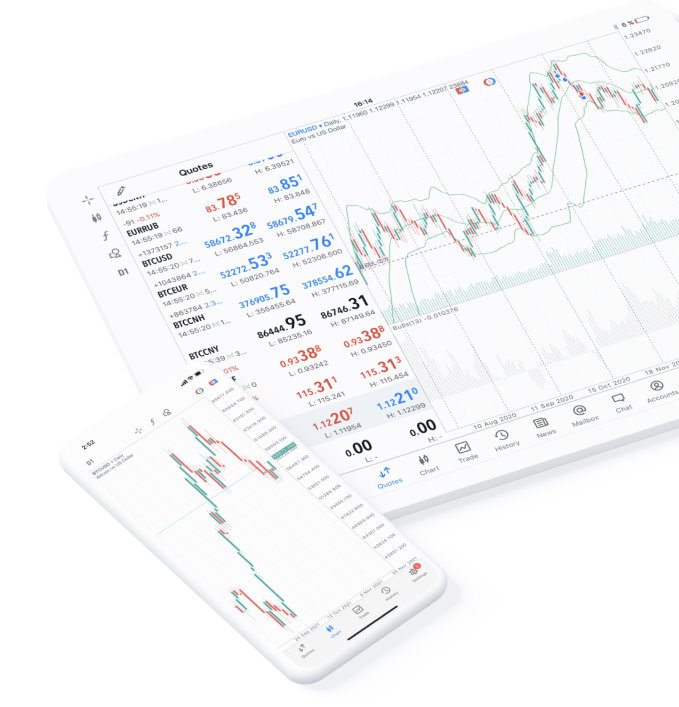
MetaTrader 5 for Android
Download the mobile application for Android and take the trading platform with you wherever you go!


Download MetaTrader 5 on your Android OS powered smartphone or tablet and trade financial instruments — currencies, futures, options and stocks.
- Trading Forex, stocks and futures anywhere in the world
- 2 trading systems: traditional netting system and the hedging option system
- Powerful trading system including Market Depth and all types of trading operations
- Full set of trade orders, including pending and stop-orders
- 3 chart types and 9 timeframes
- Built-in technical analysis tools: 30 indicators and 24 analytical objects
- Chat with registered MQL5.community members
- Financial news, alerts and push notifications
- Extended version for tablets.